AI agents for your operations.
Data licensing for a new revenue stream.
Automate recurring work across your tools. Explore paid licensing of existing business records and the new workflow datasets created as your agents work.
Start with an idea.
A question, a task, a possibility.
WORK DOESN’T LIVE IN ONE APP
Your tools.
Working together.
Let agents find information, update records and move tasks forward across the applications your team already uses. Explore the 1,602 app catalog.


Less manual work.
New opportunities from data.
Start with data you already have, or automate a workflow with Dialogo agents. You can choose either starting point or both.
Give your team time back.
Let agents research, prepare reports and update connected systems, even in the background. Set permissions, require approvals and review what happened.
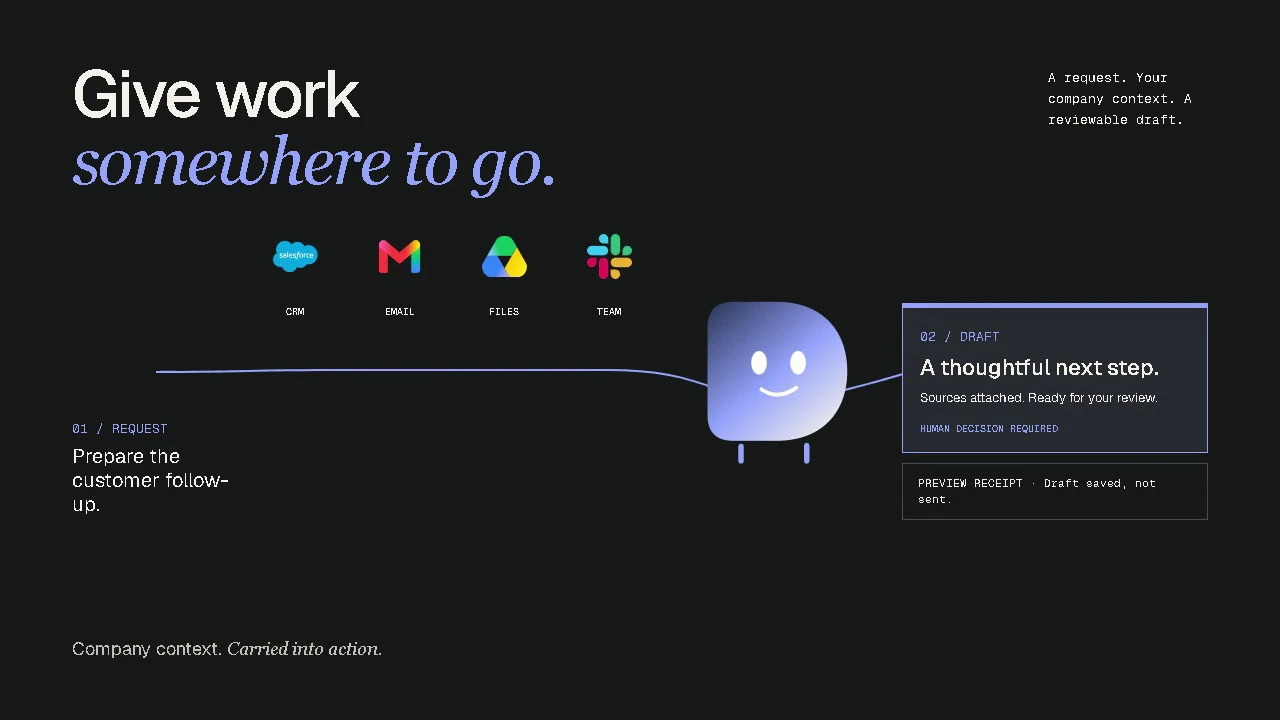
One request.
Work moves forward.
Dialogo gathers context, prepares the next steps and uses your connected tools. Sensitive actions wait for your approval.
“Check this delayed order and prepare a customer update.”
Release the prepared reply?
Recipient: the customer on the order. No changes to the order details.
Local preview. No email will be sent.You decide what acts.
You decide what’s shared.
Set boundaries for your agents, choose where your models run and approve any data licensing separately.
- Agent actions
- Define access and approval rules. Review activity and results.
- Data licensing
- Approve the dataset, buyer and permitted use before release. Automation never automatically authorizes licensing.
- Private AI
- Train and deploy models for your company’s needs, including on your infrastructure.
Data preparation includes reviewing rights and removing or excluding sensitive material before release approval.
CHOOSE YOUR STARTING POINT
Start with what
your business already has.
A repetitive task. Specialist knowledge. Years of business records. Let’s identify where Dialogo could create value for you.
Before you begin.
How could our company earn from its data?
An AI developer pays to license an approved dataset for an agreed purpose. Your company receives the payment or revenue share specified in the agreement. We begin by assessing your data, rights and potential buyer demand. Revenue depends on securing a buyer agreement. The data partnership is in development; you can start with an assessment.
Do we need to use Dialogo agents first?
No. We can start by assessing existing business records. If you also use agents, selected workflow examples may create additional opportunities. External licensing always requires separate approval.
What can be shared, and who decides?
We assess source rights and remove or exclude sensitive material during preparation. Your company reviews the dataset, buyer and permitted use before approving release. Using Dialogo agents does not automatically authorize data licensing. Scope, payment and revenue-sharing terms are agreed separately.